- Go to the Distribution section of the survey.
- Scroll to the bottom of the list of attributes until you find the option called “Employees”, which contains all employees in the account.
- At the top of the attribute selection box, you will see a search field where you can enter the names of the people you want to add.
- All matching employees will appear in a list, for example, all people named Peter if you search for “Peter”.
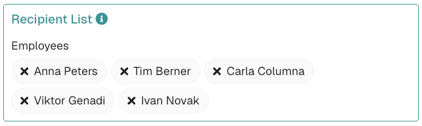
- Click the correct person to add them to the recipient list on the right, and check that the selection is correct.