

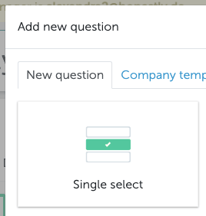
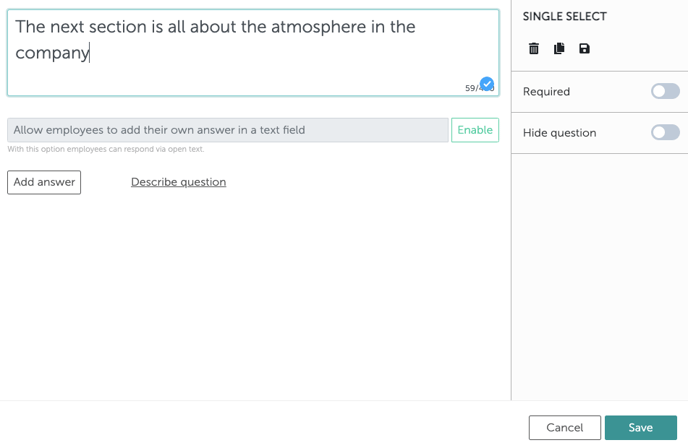
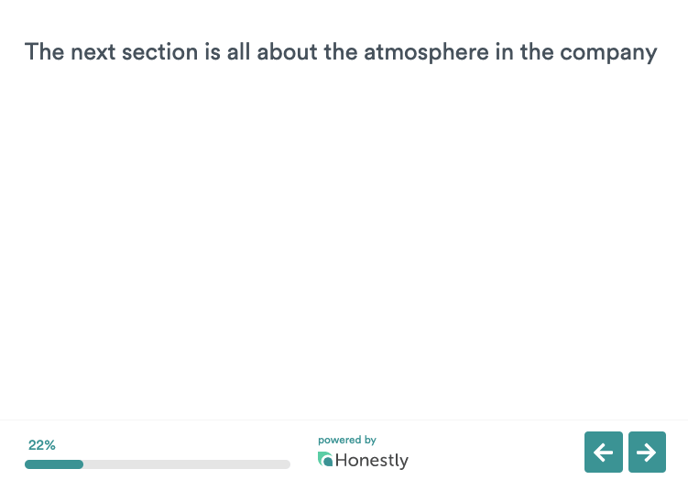
There’s no need to add any answer possibilities. The employee can simply click on the “next” arrow to continue with the survey once they have read the information.
A short introduction message can easily be inserted into the email you send from the account or by using the “Welcome message” function in the survey editor, if however, you’d…