

What Are External Benchmarks?
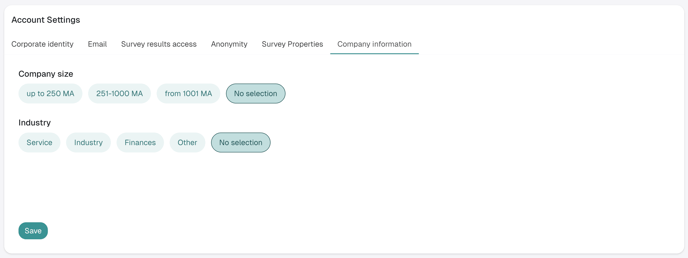
External benchmarks are average values derived from anonymized data of organizations in the D/A/CH region. They were collected exclusively for the validated Honestly Engagement Survey. These are categorized by:- Company Size : up to 250 employees, 251–1000 employees, from 1001 employees
- Industry : Manufacturing/Commercial, Knowledge and business services, Financial and legal services, People-oriented infrastructure sector
A benchmark is attached to the individual question, not to the questionnaire. A Honestly Pulse Survey reuses part of the questions from the Engagement Survey, so those questions show a benchmark there as well. Questions that do not exist in the Engagement Survey have no benchmark.
How to Use External Benchmarks in a Heatmap
-
Create a Heatmap
Follow the standard steps to create a heatmap. -
Select Questions with Benchmarks
External benchmarks are available for questions from the validated Honestly questionnaires. If you are using those, benchmark data will automatically according to your organization’s sector and size defined in the settings. -
Check or Adjust Question Mapping (Optional)
If your heatmap includes custom questions that are similar to benchmarked ones, Honestly will attempt to map them automatically based on text. You can manually review and adjust this mapping in the survey editor if needed.
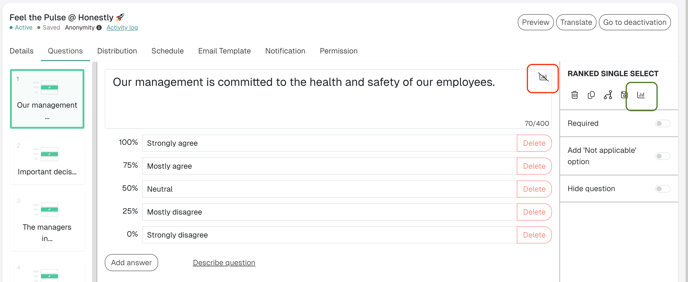
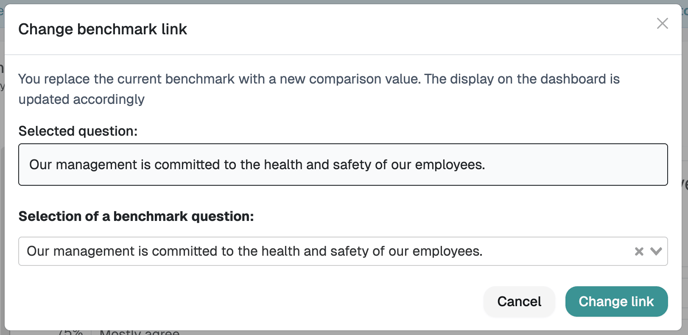
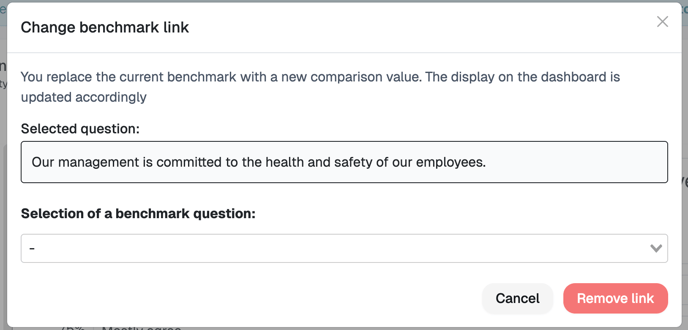
- Enable Benchmark Column
In the heatmap settings, toggle the benchmark display to show an additional column with the external benchmark value.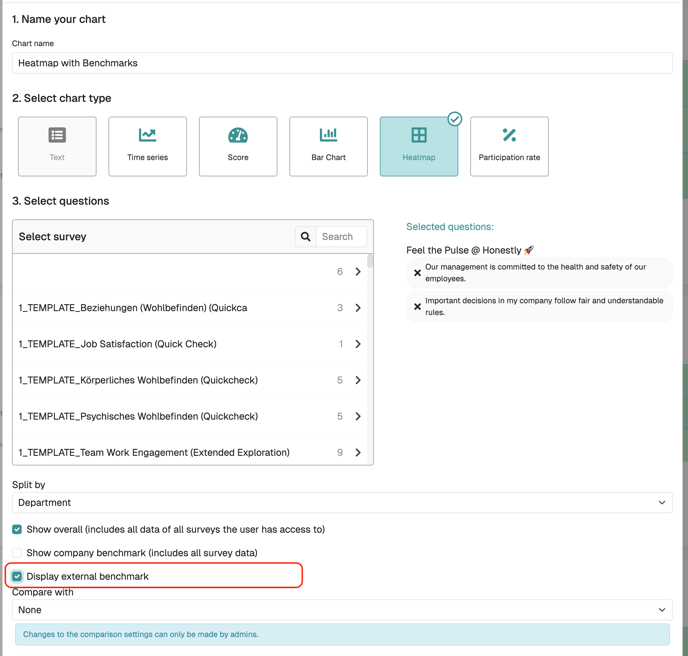
How External Benchmarks Are Displayed
-
An extra column appears in the heatmap, labeled “External Benchmark”

- If no benchmark for a question exists, an empty cell is displayed.
- If no benchmark for any question exists, the column is omitted.
- The cell displays the benchmark score for that question.
- This allows for a clear side-by-side comparison with your internal results.
Best Practices
- Keep Company Info Updated : Benchmarks are matched based on company info—make sure yours is set correctly.
- Review Question Mapping : Especially if using custom questions, validate that mappings are accurate to ensure meaningful benchmark comparisons.
- Use Benchmarks for Insight, Not Judgement : Context matters—benchmarks are a guide, not a verdict.