

Renaming attributes and options requires the Admin role.
Example 1: renaming existing options
Your last surveys were run with these options: HR, IT, Sales and Support.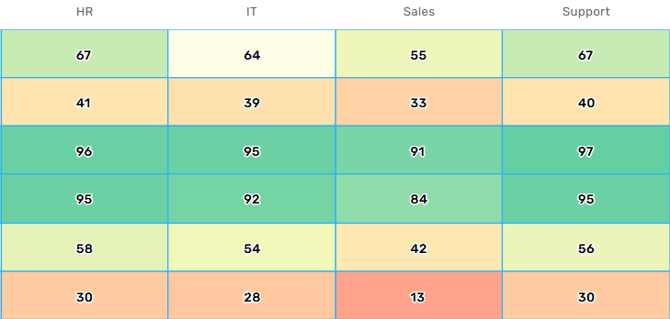
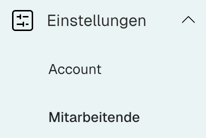
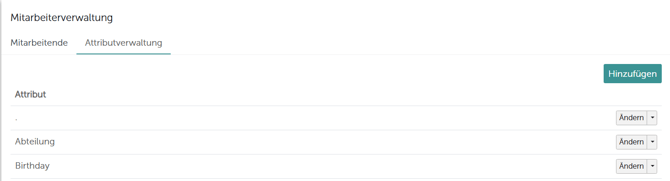
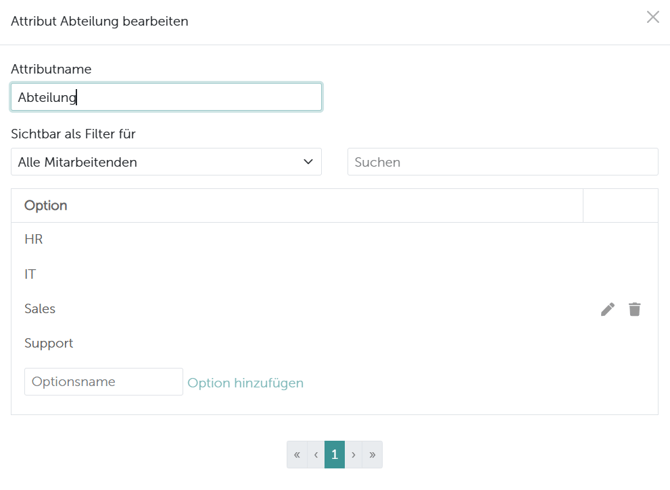
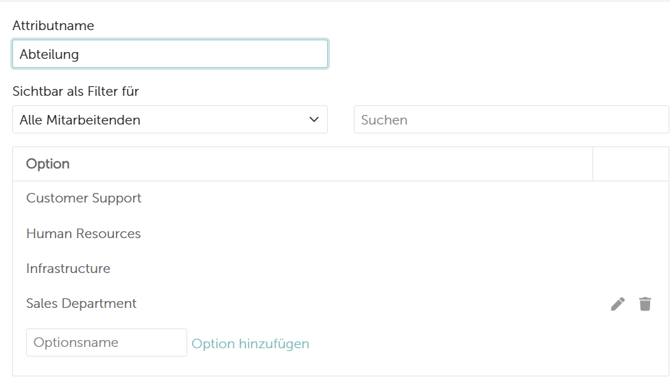
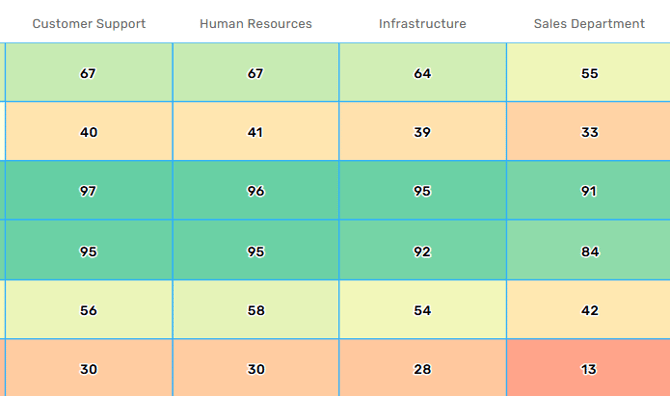
Update the new name in your HR system, CSV file or API integration as well. Imports match options by name: if your source still sends the old name, the next import creates the old option again and splits the group in two.
Example 2: merging teams or departments
During a restructure, several teams or departments are sometimes merged into one new unit. More often, though, the reason is different: individual departments are too small to be evaluated on their own. When a group falls below the anonymity threshold, its results are hidden from the chart — combining several small departments into one larger evaluation unit lifts the group back above the threshold. Attribute Management cannot do this. You cannot merge two existing options here: renaming one option to match another is rejected, because option names have to be unique within an attribute. An Excel import with backdating can. Add the combined units as an additional column (for example Evaluation area) in your import file, instead of overwriting the existing Department column. New columns are created automatically as a new attribute on import. If you enable backdating, every survey response from the reference date onwards is recalculated with the new attribute — the combined groups then become evaluable retroactively and no longer fall below the anonymity threshold. Because Department is preserved, you can keep evaluating at both levels, the old one and the new. For how backdating works in detail and what it changes account-wide, see How do I backdate employee data?.Example 3: restructuring
When a team is split into several new teams or departments with new names, historical data cannot be assigned to the new structures automatically. Comparison therefore starts with the new employee upload and the next survey cycle.- Historical comparisons are only possible if all the new teams or departments are evaluated together with the original one
- That keeps the data consistent and developments over time remain traceable
- Comparing an individual new team against historical values is not possible, because the old data cannot be unambiguously assigned to the new structures
Related articles
- How do I change an attribute value without losing comparability?
- What are attributes and how are they used?
- Why don’t new attributes appear in past surveys?
- How do I import or update my employees via Excel?
- Which guidelines should I follow for a successful Excel import?
- How can I compare the results of different employee groups in my dashboard?