


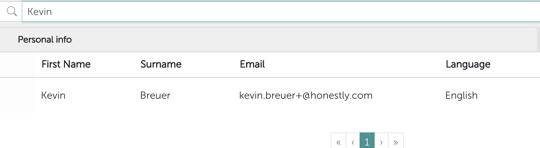
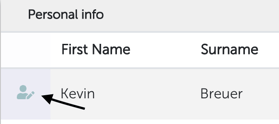
Go to the employee overview in your account Now search for the user you want to change using the search function, you can filter by name, last name or email.\
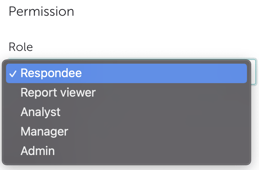
if you choose the “Respondee” role for the user, they become a survey participant only and can no longer access the system or see any more data. Note 1: If you change someone to a “Respondee”, only the user’s access to the account will be removed permanently. Surveys or questionnaires that this user created or had access to in the past will remain and will not be deleted! Note 2: Only account admins can delete users completely.