How do employees participate in the surveys via email?
The most popular way of sending invitations to surveys is via email. The employee receives both the initial invitation and further reminders from the comfort of their inbox.
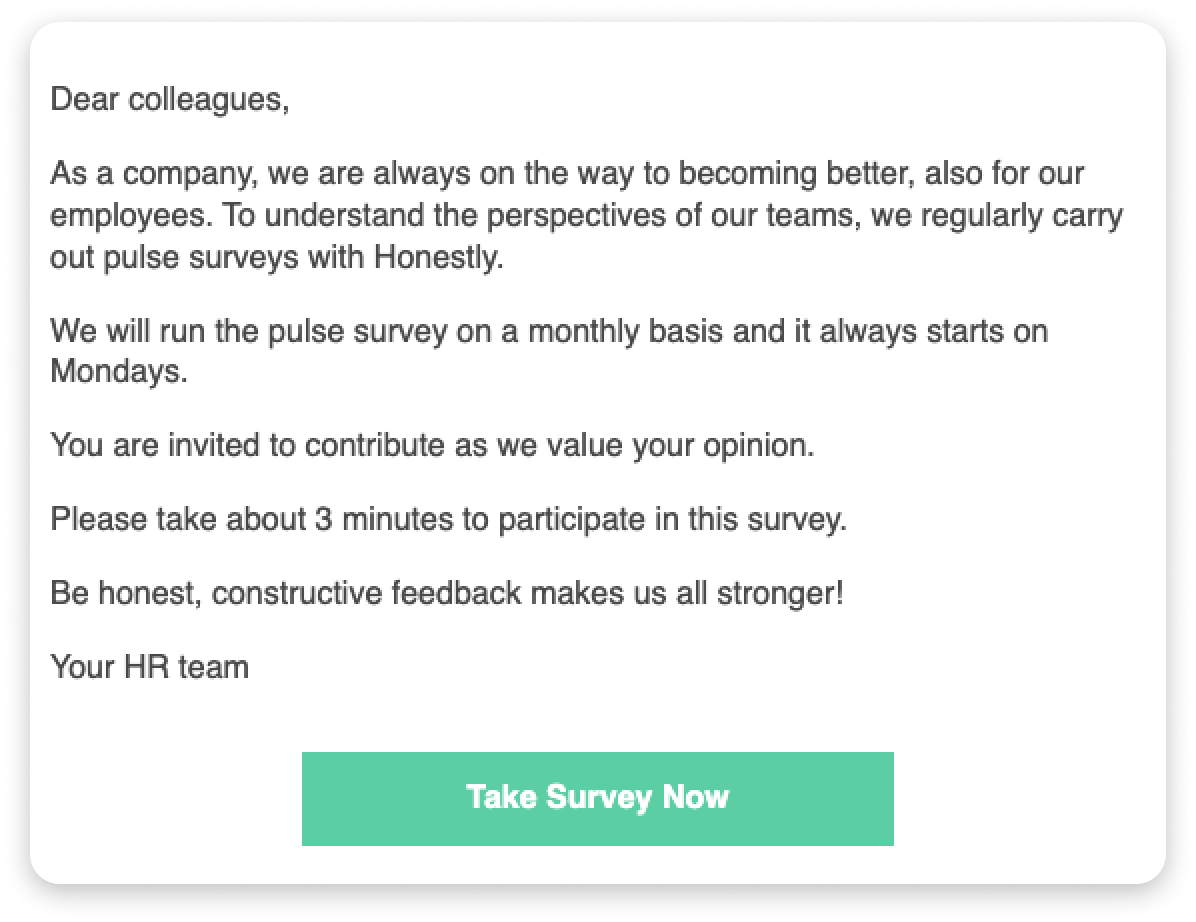
In this article, we will show you what this invitation looks like and how your employees can participate in the survey, which can be carried out on any device.When you start the survey, our system automatically generates an invitation email - you will have created this in advance and integrated it into the system.Your employees will receive the email you created, something like this:In this email, the employee sees why this survey is being carried out and roughly how much time is needed. In the next step, the recipient just needs to click on “Take Survey Now” to begin.
The employee is now taken to the survey and can complete it immediately.