

Here for iOS devices


It is only possible for registered email addresses/users to participate in the employee survey and log into the Engage App.
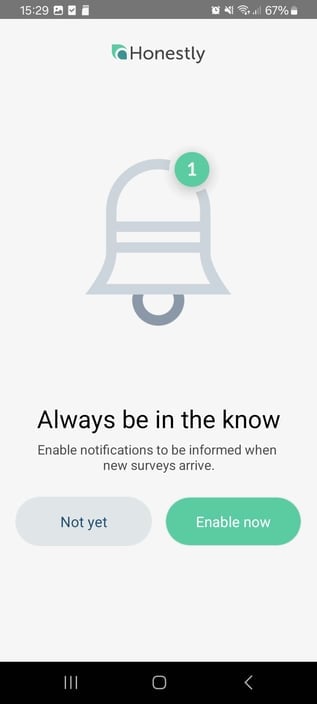
Further Settings: You always can decide whether the app to allow app notifications. At the top left is the hamburger menu
