

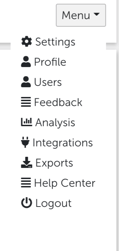
To sync your employee data with Honestly, we need access through Personio’s Employee Data API. To do this, simply navigate to the “Menu” in our tool and select the “Integration” item.
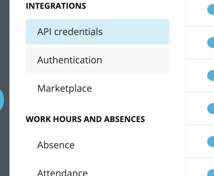
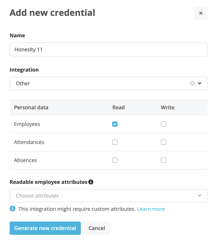
all other attributes are optional but will help you to improve the evaluation.
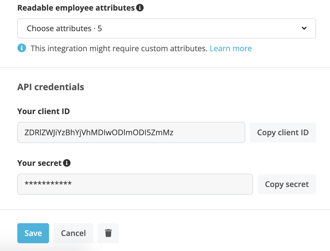
If you have now marked all employee attributes you would like to have in our system,
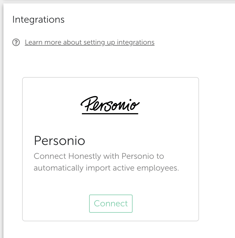
a client ID and a secret code will be generated. Now go back to the Honestly System and click on “Connect”.\
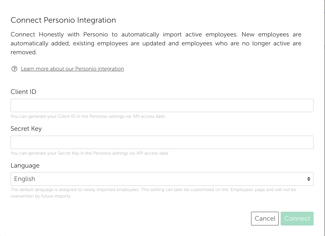
now both systems should configure with each other. Your employees should have been transferred from Personio with the attributes you provided, and any changes that are now made in Personio - adding/removing employees, changing departments or positions will now be automatically adjusted in our system. When employees are no longer sent from the Personio API (e.g. when they leave the company temporarily or permanently), they are also deleted in the Honestly account (termination date and status should be whitelisted for this ideally). Feedbacks given by the deleted employees in the past will remain in the account. Synchronization runs every 12 hours and updates all employee and group information you provide through the API. When importing, Personio sends the language for each employee, which is set as the default during the integration setup. This language is then assigned to the employees. Once this language has been changed for employees that already exist in Honestly, the following rule applies: “Existing language is retained.” In practice, this means: If you have manually adjusted the language of employees that were sent from Personio before, this language will be retained for these existing employees. Should you encounter any problems when setting up the system, please contact your responsible Customer Success Manager (CSM) and we will assist you.