

Honestly: Service provider (SP)
NameId | EmailAddress means: your identity provider must send the user’s email address as the Name ID — the same address the person has as a user in Honestly. For Microsoft Entra, this is covered under SSO with Entra ID in the “Name ID” section.
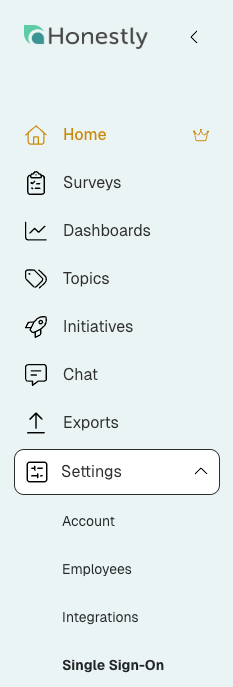
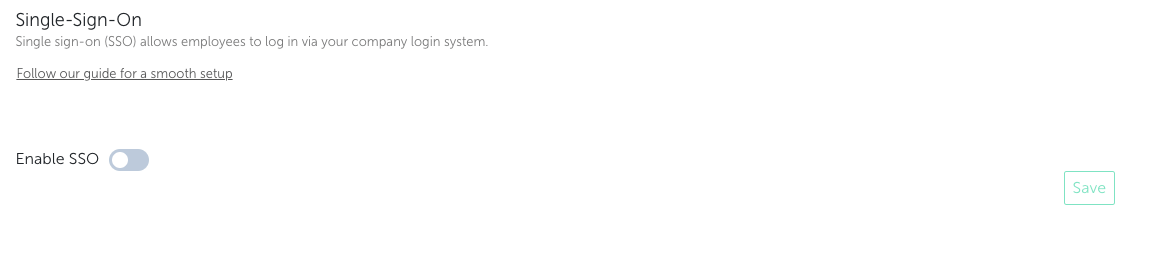
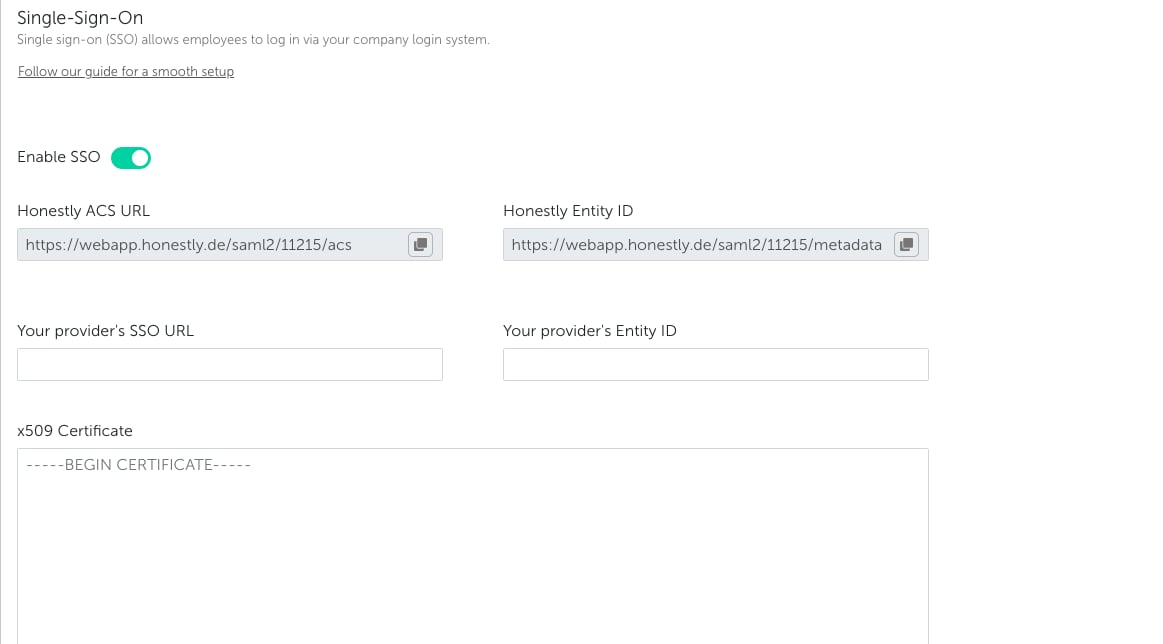
-
- Honestly ACS URL
- Honestly Entity ID

-
- SSO URL
- Entity ID
-
- x509 Certificate .pem (base64 encoded)
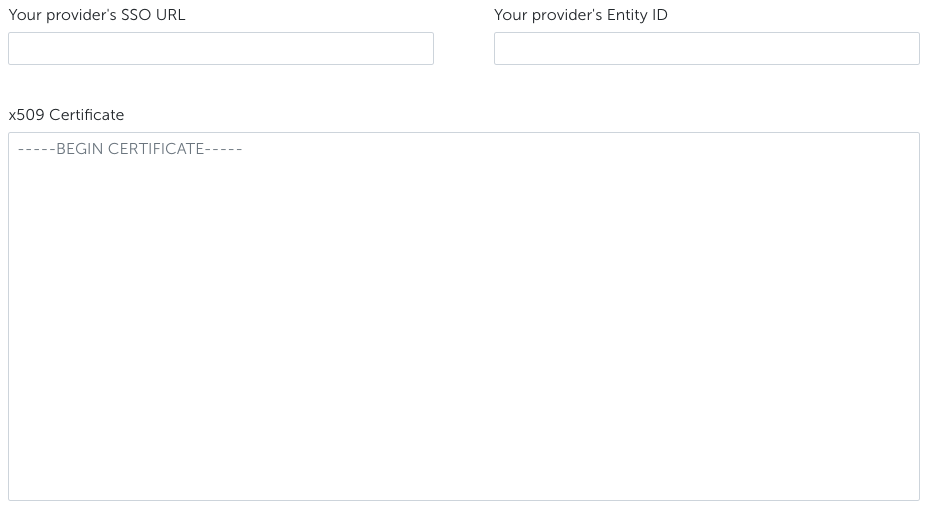
 7. Click on “Save”
8. Ready for testing
9. After successful testing, deactivate “SSO optional” setting in order to require all users to login via SSO
⚠️ Security Warning:
Leaving SSO optional is a security risk , as users can still authenticate with local passwords instead of your identity provider. This bypasses key protections such as centralized access control, MFA, and automatic deprovisioning.
If a user is disabled in your identity provider, their account may still remain accessible. To avoid unauthorized access and ensure full security, SSO should be enforced for all users.
7. Click on “Save”
8. Ready for testing
9. After successful testing, deactivate “SSO optional” setting in order to require all users to login via SSO
⚠️ Security Warning:
Leaving SSO optional is a security risk , as users can still authenticate with local passwords instead of your identity provider. This bypasses key protections such as centralized access control, MFA, and automatic deprovisioning.
If a user is disabled in your identity provider, their account may still remain accessible. To avoid unauthorized access and ensure full security, SSO should be enforced for all users.
If SSO is enabled, the user will no longer get a mail notification after getting a role that can log in to the Honestly platform.