
”SAML - based single sign-on can be used to grant users access through an identity provider (IDP) of the client's choice. This option is available to Enterprise Customers only and can be configured by admins
Honestly: Service provider (SP)
|
Item
|
Description
|
|---|---|
| Name | Honestly |
| Integration option | SAML 2.0 |
| Logo | https://www.honestly.com/images/logo-transparent.png |
| Time synchronised | Europe/Berlin |
| NameId | EmailAddress |

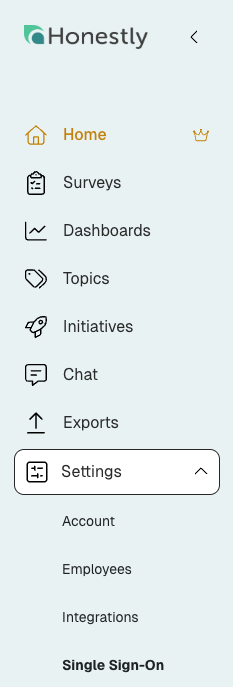
1. Click on: "Settings" and then on "Single Sign-On"
2. Now you can enable "SSO"
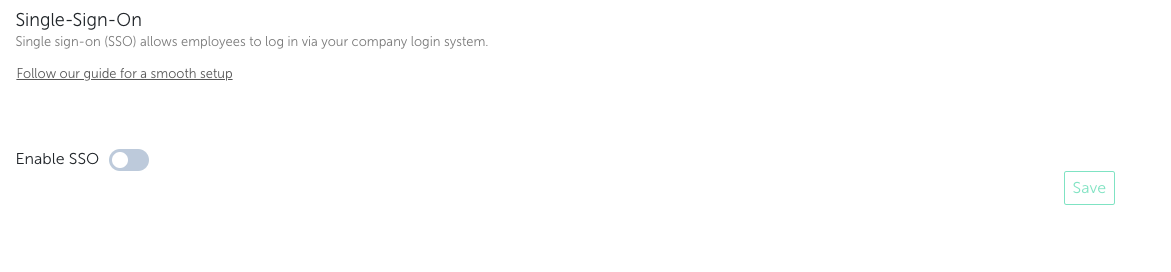
3. Enable SSO
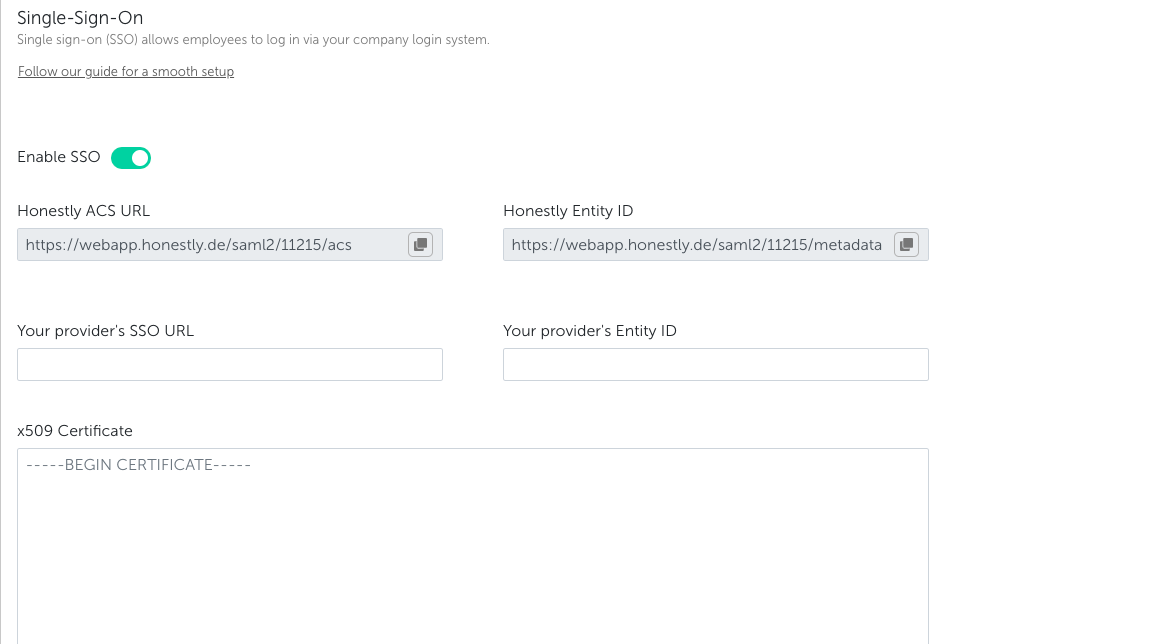
4. Get all Information you need:
-
- Honestly ACS URL
- Honestly Entity ID

5. Share your Information within the Honestly Account
-
- SSO URL
- Entity ID
-
- x509 Certificate .pem (base64 encoded)
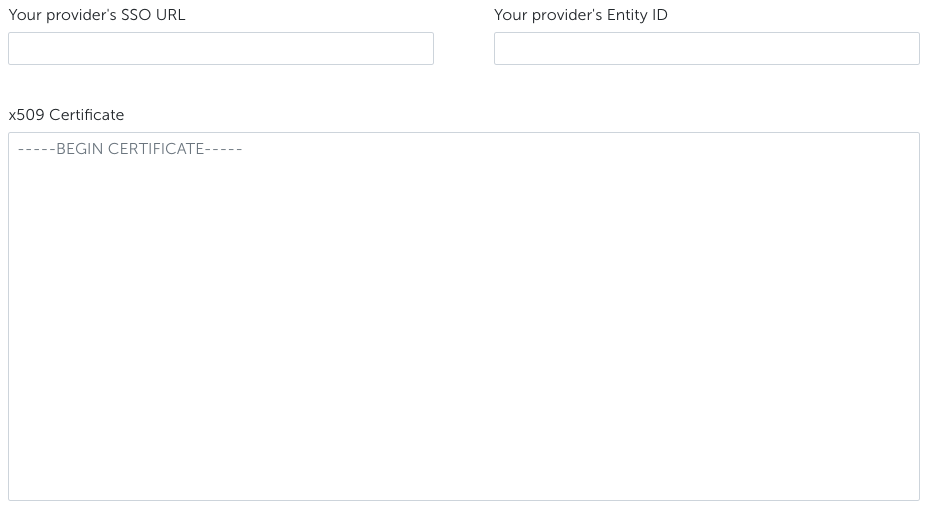
Please do not forget to start with: -----BEGIN CERTIFICATE-----
Please do not forget to end with: -----END CERTIFICATE-----
6. Click on "SSO optional" for testing purpose
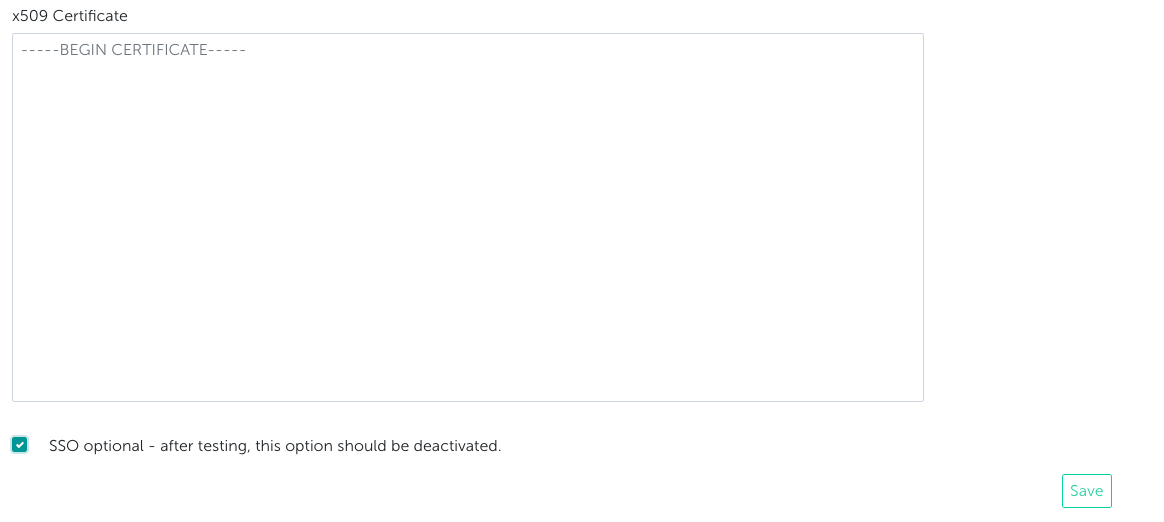
7. Click on "Save"
8. Ready for testing
9. After successful testing, deactivate "SSO optional" setting in order to require all users to login via SSO
⚠️ Security Warning:
Leaving SSO optional is a security risk, as users can still authenticate with local passwords instead of your identity provider. This bypasses key protections such as centralized access control, MFA, and automatic deprovisioning.
If a user is disabled in your identity provider, their account may still remain accessible. To avoid unauthorized access and ensure full security, SSO should be enforced for all users.
Note:
If SSO is enabled, the user will no longer get a mail notification after getting a role that can log in to the Honestly platform.