> ## Documentation Index
> Fetch the complete documentation index at: https://help.honestly.com/llms.txt
> Use this file to discover all available pages before exploring further.
# How do I create a welcome text or closing text in the survey?
> When creating a survey, at the 'Details' step you will see the 'Welcome message' button to enable a welcome message.
When creating a survey, at the 'Details' step you will see the 'Welcome message' button to enable a welcome message.
 After you press the button, a text field will pop up.
 By setting the welcome text (limit for 1000 characters), you generate an additional page that acts as a cover page for the survey, so to speak:
 The closing text, on the other hand, is enabled by default and appears as the last page of the survey with the following text: "Thank you! Your feedback has been submitted."
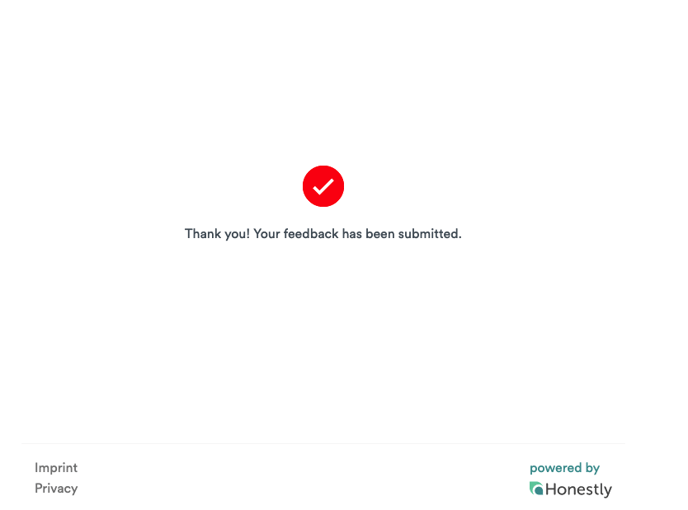 You can now also customize this text via the 'Details' interface.