> ## Documentation Index
> Fetch the complete documentation index at: https://help.honestly.com/llms.txt
> Use this file to discover all available pages before exploring further.
# How do I use/create question templates?
> With this article, you can create your own Company Templates so employees can use them when creating a new survey.
1\. Firstly, go to **"Surveys"** and click on **"Create new survey"** :
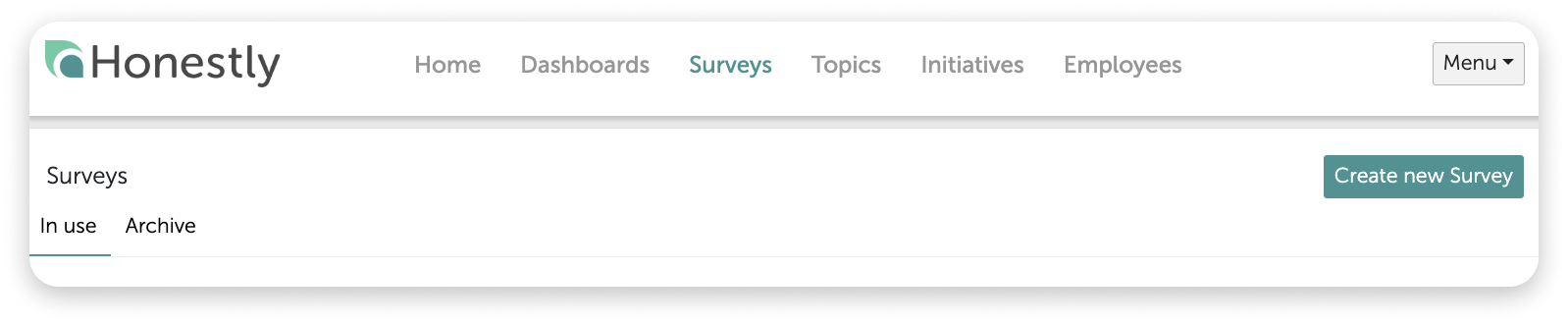 2\. Once you have given your survey a name and a description (optional), you will move on to the **"Questions"** and you will have 3 possibilities:
3\. Create your own "**New question** "
2\. Once you have given your survey a name and a description (optional), you will move on to the **"Questions"** and you will have 3 possibilities:
3\. Create your own "**New question** "
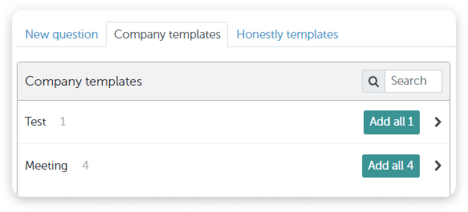
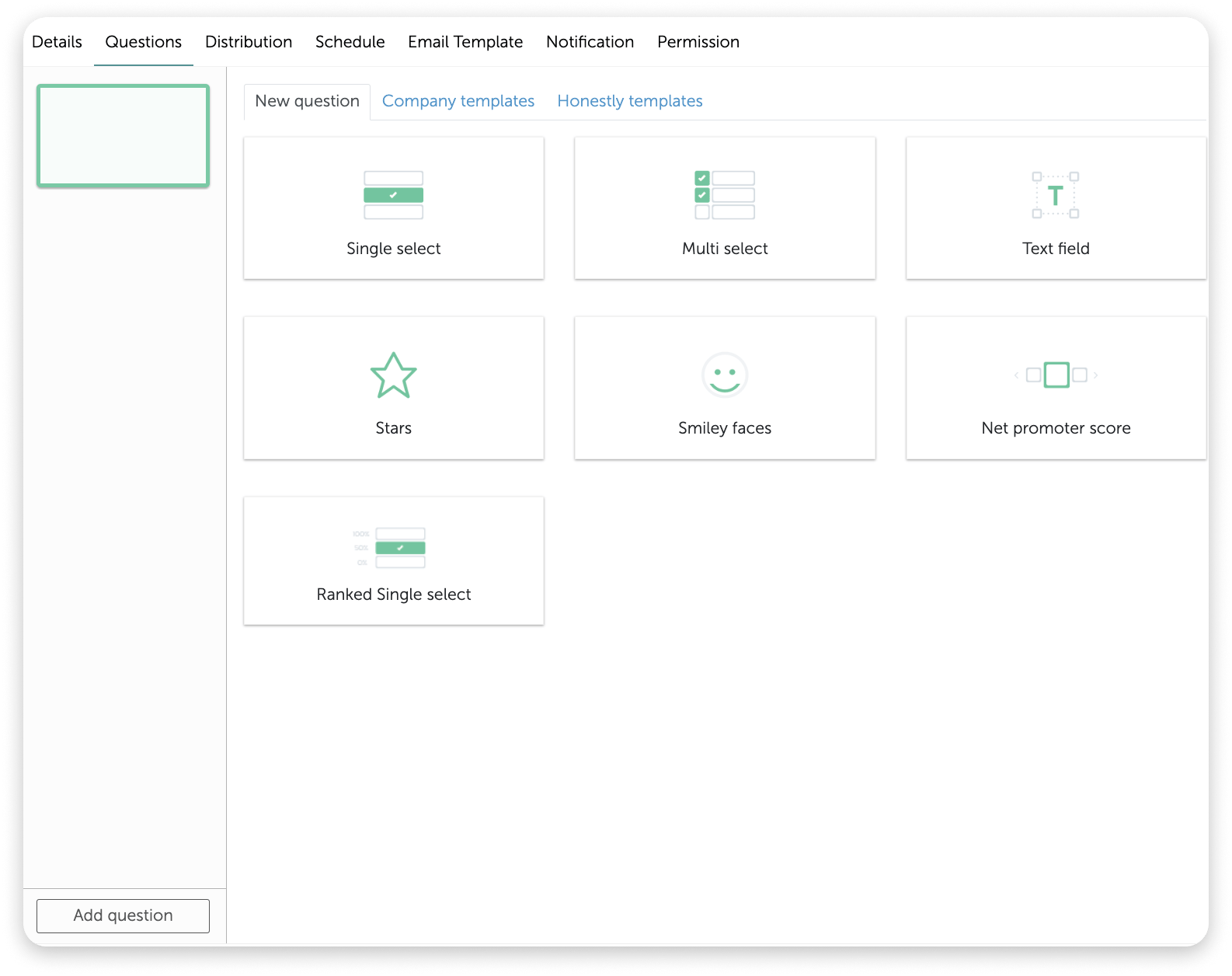 4\. Use "**Company templates** "
 **How to create Company templates:**
1\. When you create a new question, you can save this as a company template.
**How to create Company templates:**
1\. When you create a new question, you can save this as a company template.
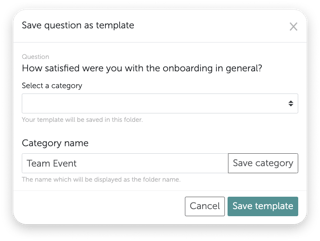
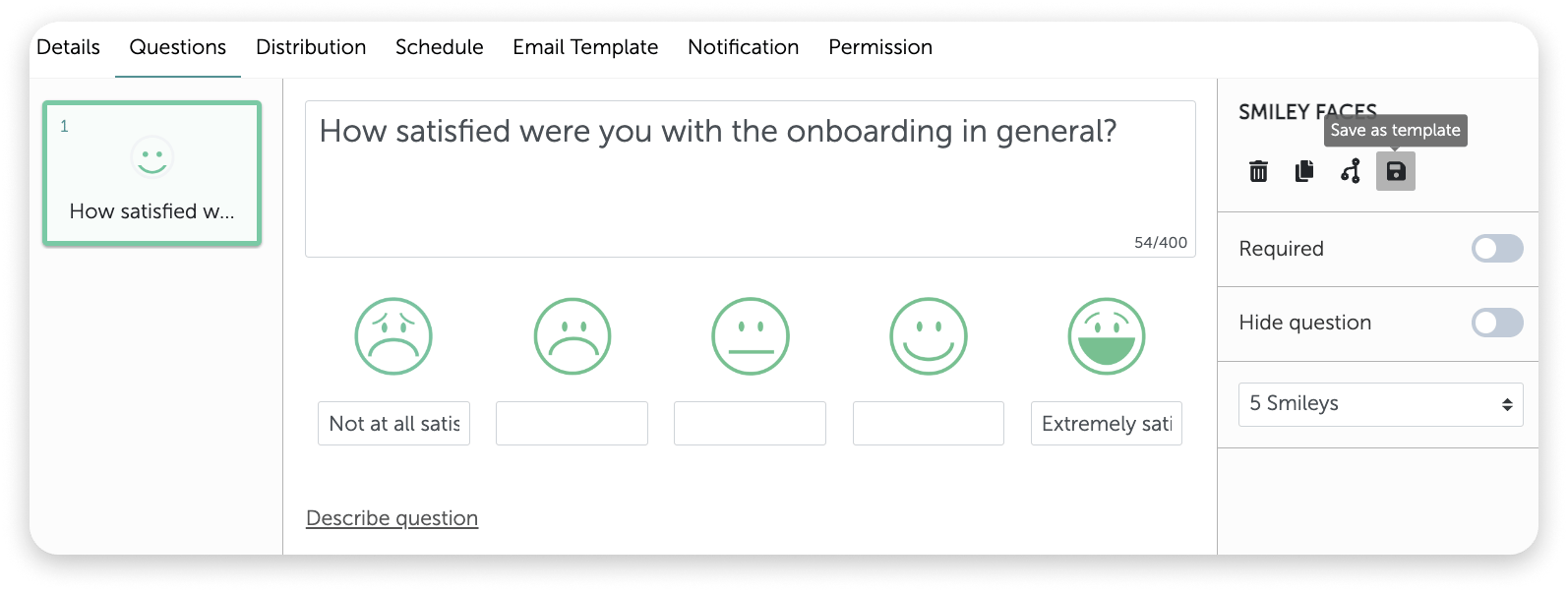 2\. This window will open where you first need to enter a category (topic) for example **"Team Events"** :
 **Caution:**
* First save the category and then the template!
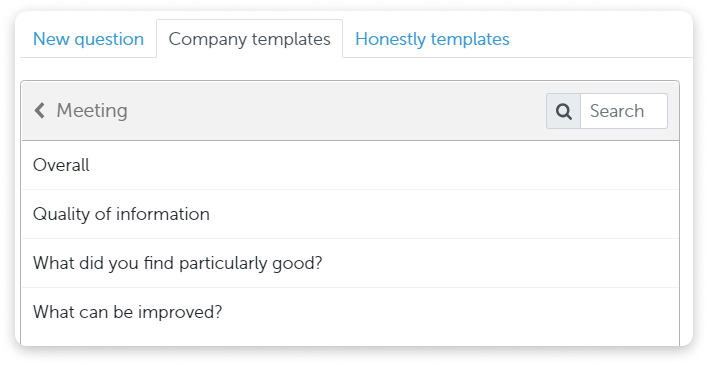
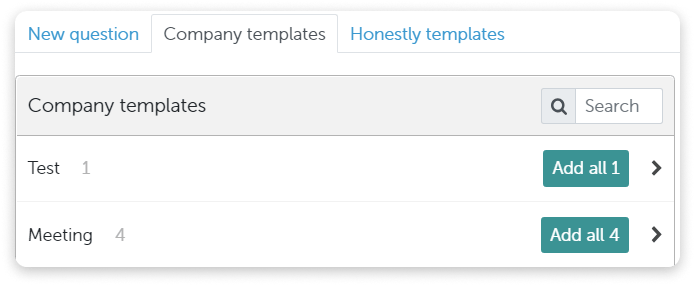
3\. Once a question has been saved as a template, it can be chosen individually or a group of questions can be selected by clicking **"Add all..."** as below:
**Caution:**
* First save the category and then the template!
3\. Once a question has been saved as a template, it can be chosen individually or a group of questions can be selected by clicking **"Add all..."** as below:
 4\. Use our "**Honestly templates** "
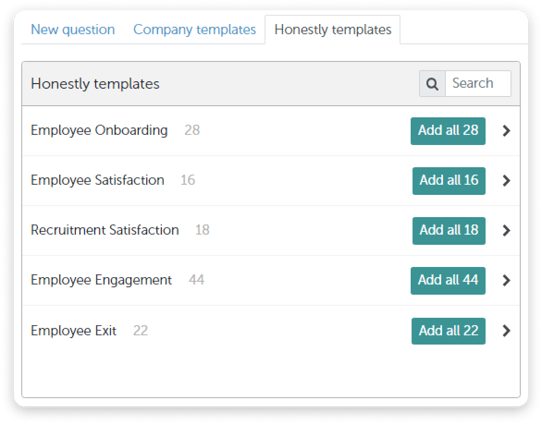 5\. Again you can either choose to use individual questions or whole questionnaires from the list.