> ## Documentation Index
> Fetch the complete documentation index at: https://help.honestly.com/llms.txt
> Use this file to discover all available pages before exploring further.
# How can I archive surveys which are no longer/not currently in use?
> You may come to a point where you have a lot of surveys in your account, only a handful of which you are currently actively using. In order to tidy the space without losing any of the data you have collected, you can archive the surveys.
1\. In the **"Surveys"** section of your Honestly account on the left side just above the list of surveys, you will find **"In Use/Archive"**.
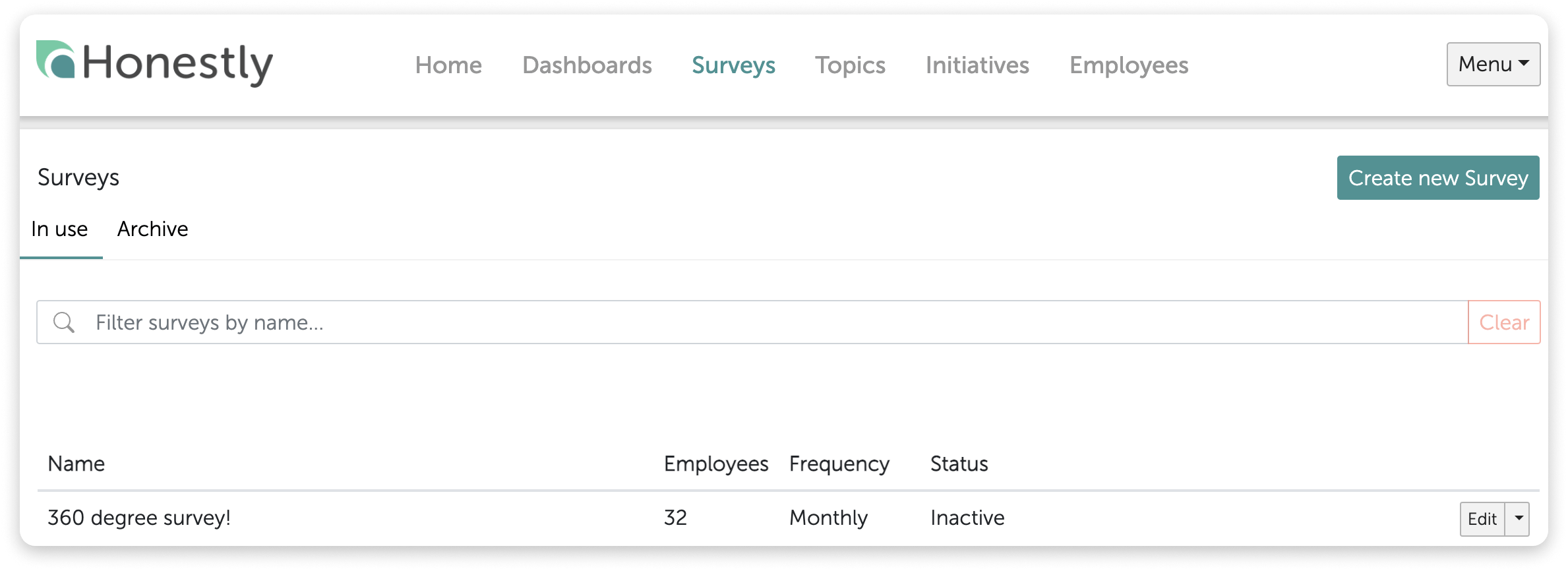 2\. In the **"In Use"** section, you should have all surveys you are currently using or working on but any surveys that are inactive and no longer in use, can easily be archived.
3\. To do this, just choose the **"Archive"** option from the drop down list on the right of the survey in question.
2\. In the **"In Use"** section, you should have all surveys you are currently using or working on but any surveys that are inactive and no longer in use, can easily be archived.
3\. To do this, just choose the **"Archive"** option from the drop down list on the right of the survey in question.
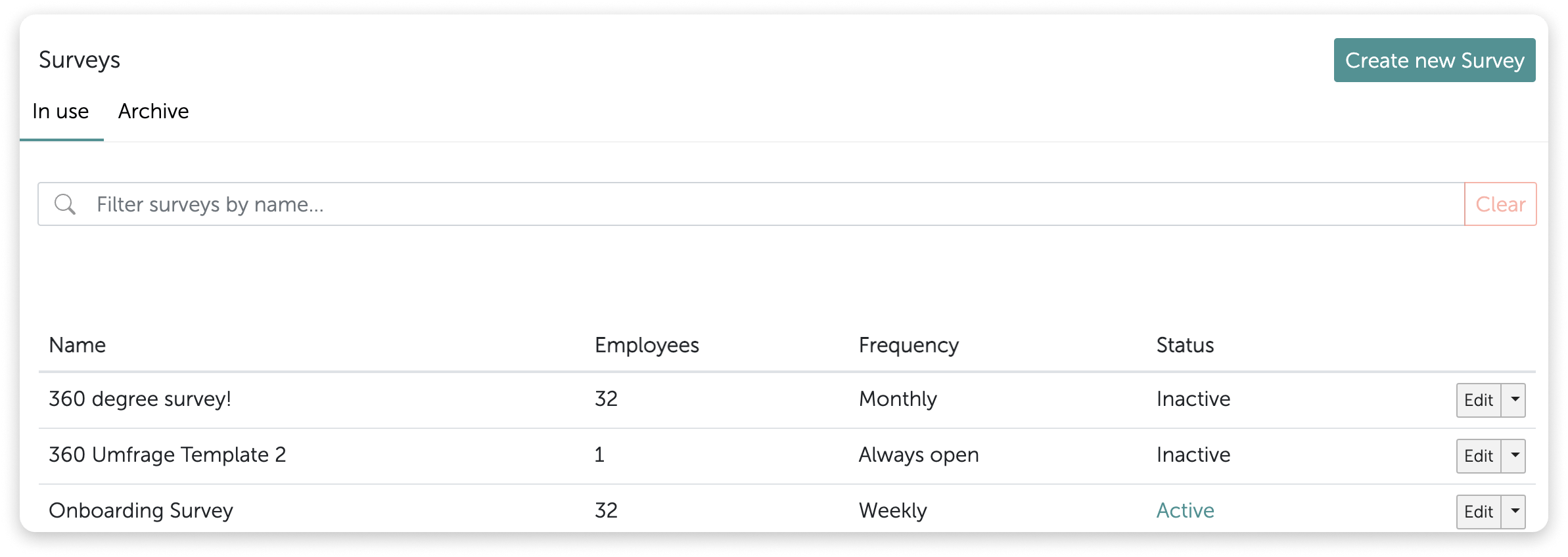 4\. You will be asked to confirm this action. No need to worry! This will NOT delete the survey nor will you lose any data relating to the survey.
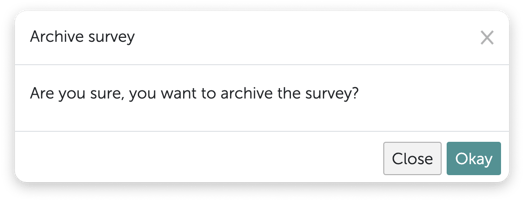 **The archive now looks like this:**\\
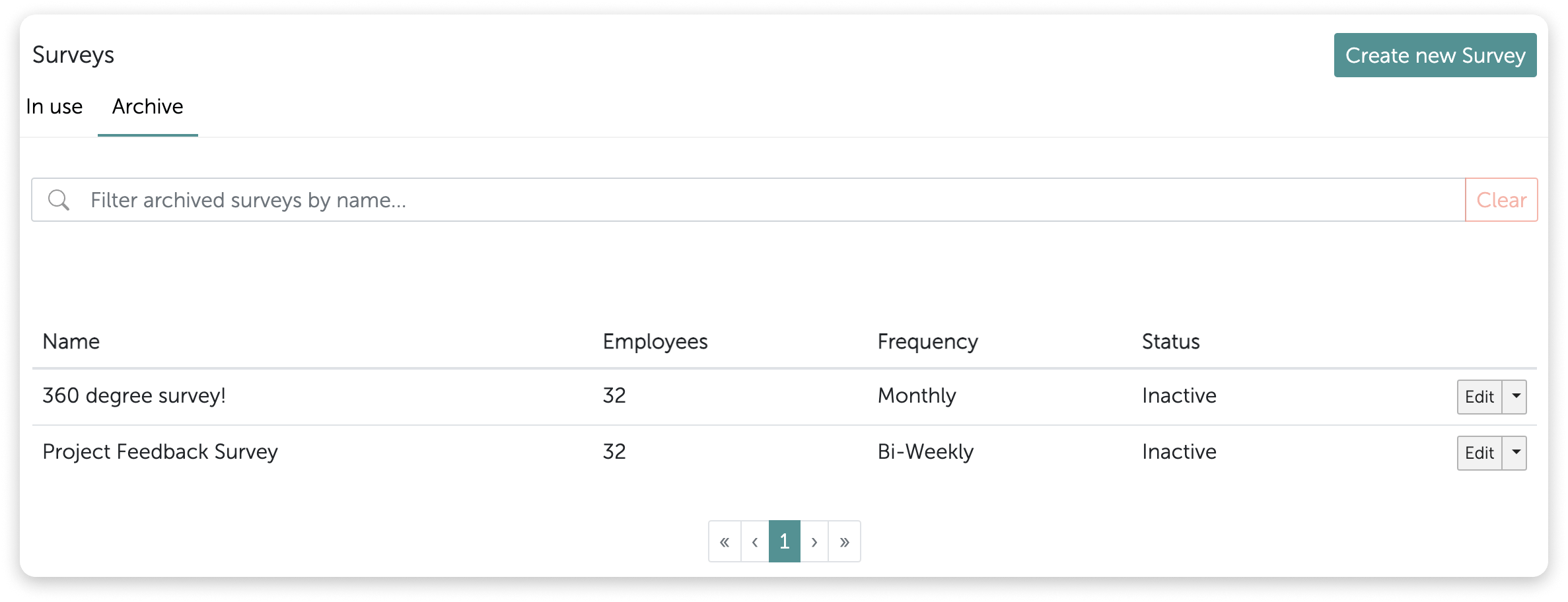 **Surveys can be restored easily by following these steps:**
1\. Go to the **"Archive"** section of your survey list by clicking on this word. Then, using the drop down list on the right of the survey in question, select **"Restore"**.
**Surveys can be restored easily by following these steps:**
1\. Go to the **"Archive"** section of your survey list by clicking on this word. Then, using the drop down list on the right of the survey in question, select **"Restore"**.
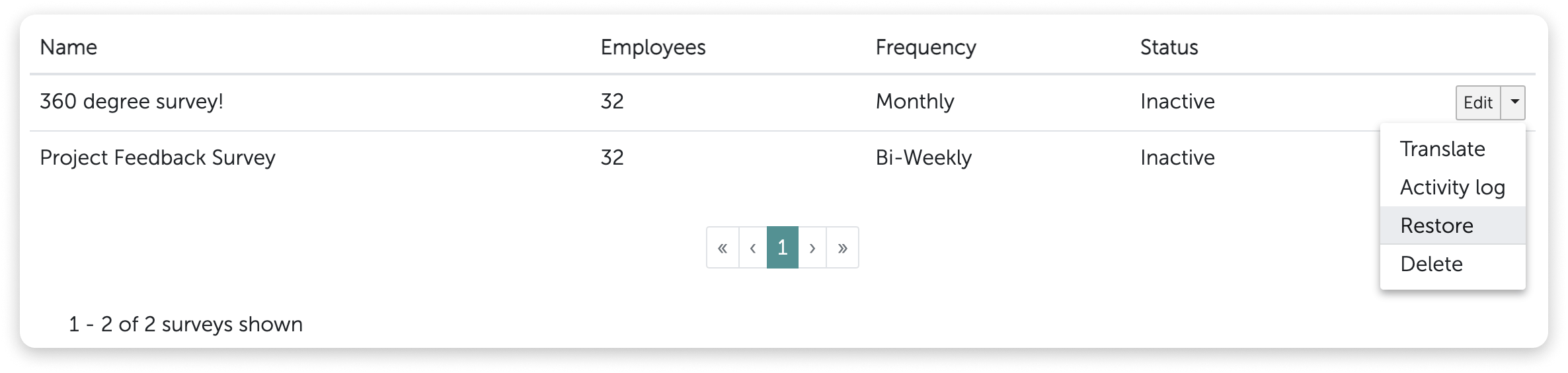 2\. The survey will reappear in the **"In Use"** section.