> ## Documentation Index
> Fetch the complete documentation index at: https://help.honestly.com/llms.txt
> Use this file to discover all available pages before exploring further.
# How can I create an additional text within my survey?
> A short introduction message can easily be inserted into the email you send from the account or by using the "Welcome message" function in the survey editor, if however, you'd…
A short introduction message can easily be inserted into the email you send from the account or by using the "Welcome message" function in the survey editor, if however, you'd like to add some information within the survey, this is how to do it:
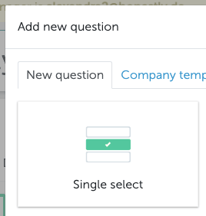
1\. Create a single select question
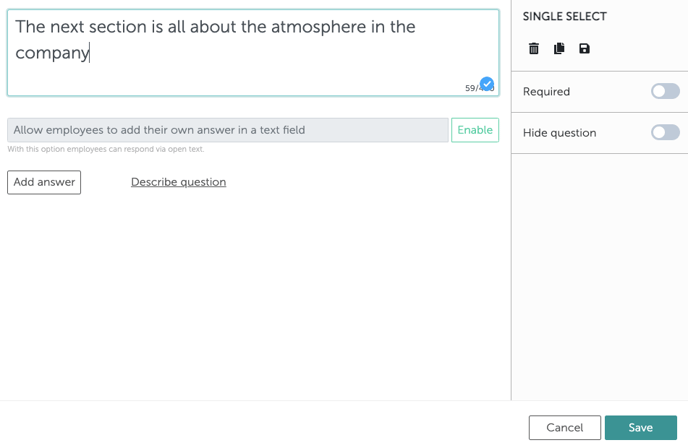
 2\. Then, instead of entering a question, type in your text:
 There's no need to add any answer possibilities. The employee can simply click on the "next" arrow to continue with the survey once they have read the information.
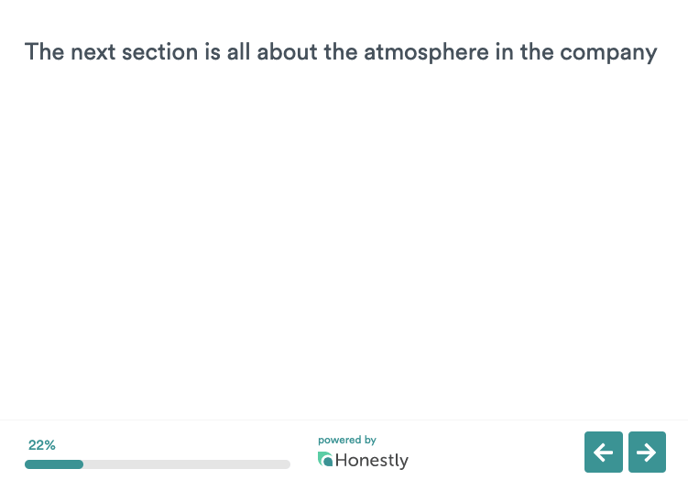
In the survey, it will look like this:\\
There's no need to add any answer possibilities. The employee can simply click on the "next" arrow to continue with the survey once they have read the information.
In the survey, it will look like this:\\