> ## Documentation Index
> Fetch the complete documentation index at: https://help.honestly.com/llms.txt
> Use this file to discover all available pages before exploring further.
# How do I (de)activate a survey?
> Go to the "Survey" section .
Go to the "Survey" section .
Click on the "Edit" drop down list to the right of the survey which you would like to deactivate:
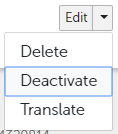
3 options will appear. Click on "Deactivate":
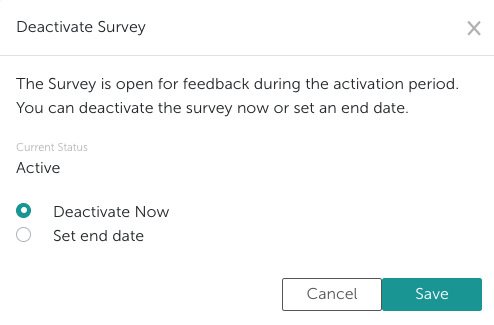
 You can then set whether a survey should be deactivated directly, or whether an end date should be set for the deactivation.
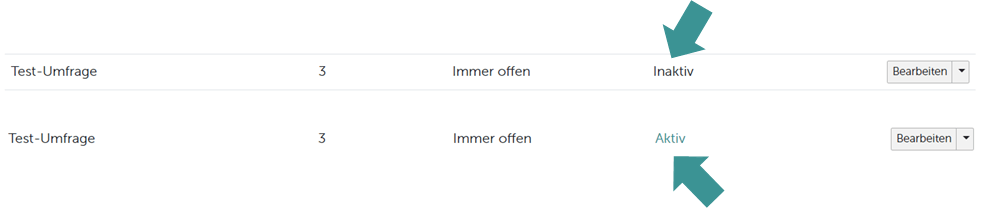
 The system now shows you whether a survey is "Inactive" or "Active":
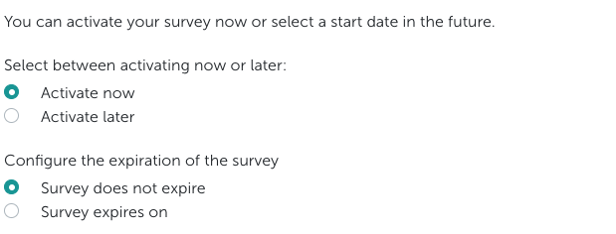
 If you want to reactivate a survey, proceed in the same way as for deactivation. Here you also have the possibility to set different start and end times: